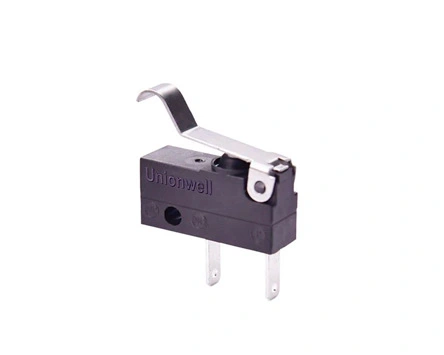
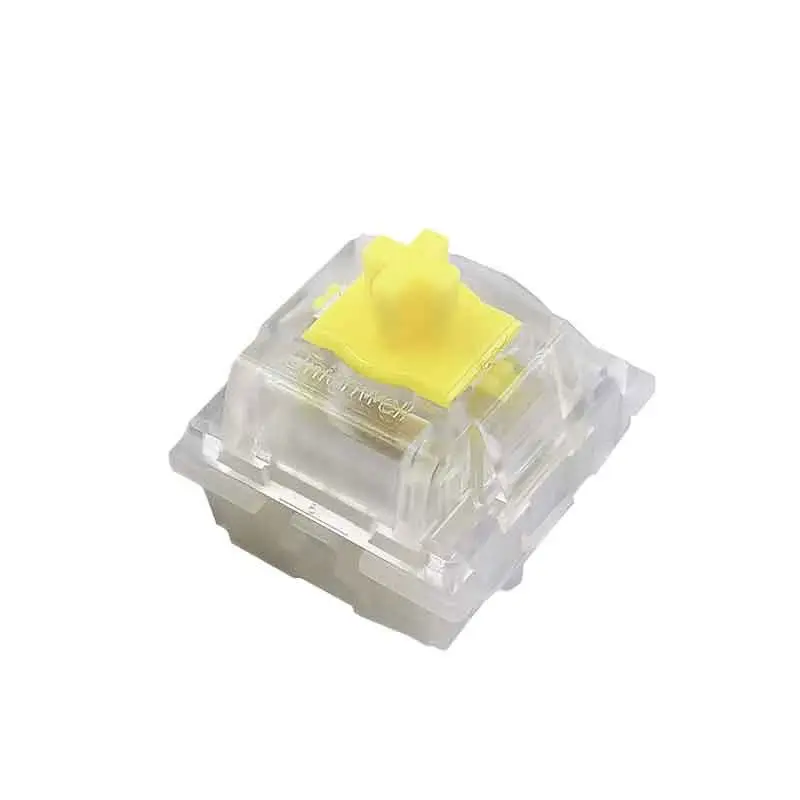
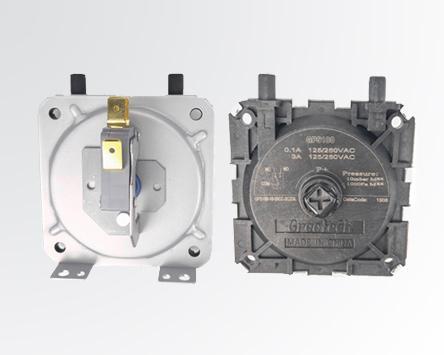
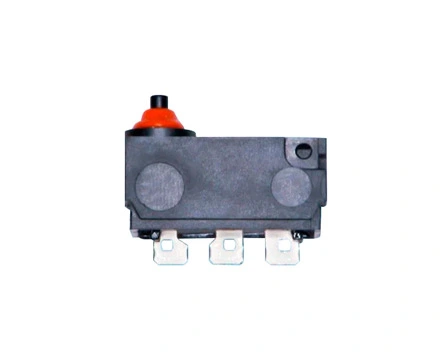
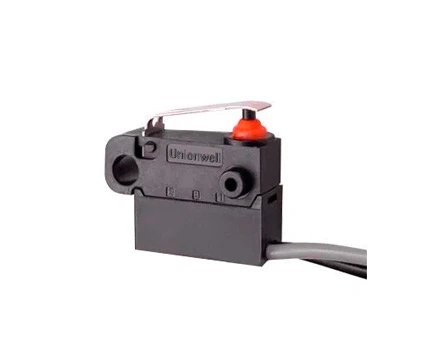
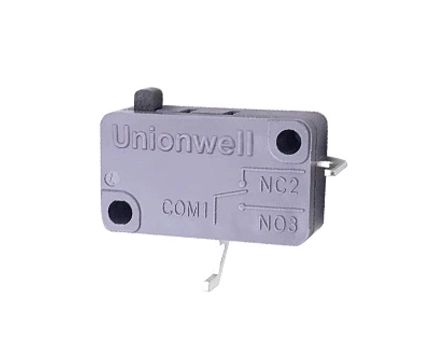
Is your snap action micro switch failing to trigger, causing equipment downtime or safety concerns? Testing a micro switch with a multimeter is the fastest, most reliable way to diagnose faults before replacing parts. This step-by-step guide walks you through the entire process—safely and accurately—so you can confirm whether your switch is bad, stuck, or simply miswired.
Why You Need to Test a Micro Switch with a Multimeter
Micro switches typically last 1–10 million mechanical cycles, but electrical life drops significantly under high current or arcing. Faulty switches cause:
Unexpected machine stops
Safety interlock failures
False sensor readings
Increased downtime costs
A multimeter test takes under 5 minutes and prevents costly misdiagnoses. As a leading micro switch supplier, Unionwell recommends regular testing for critical applications like emergency stops, door interlocks, and motion control.
Tools and Safety Precautions Before Testing
Required Tools
Tool
Purpose
Digital multimeter
Measure resistance (Ω) or continuity (beep)
Insulated probes
Safe contact with terminals
Safety gloves
Protect against electrical shock
Switch datasheet (optional)
Confirm terminal labels (C, NO, NC)
Critical Safety Steps
Turn off power to the circuit before disconnecting the switch.
Discharge capacitors if testing in high-voltage equipment.
Wear insulated gloves when working near live circuits.
Remove the switch from the circuit if possible to avoid parallel paths.
Skipping safety steps can damage your multimeter or cause injury—never test a live micro switch.
How to Identify the Terminals on a Snap Action Micro Switch
NO (Normally Open): Opens in default state, closes when actuated
NC (Normally Closed): Closes in default state, opens when actuated
If labels are missing:
Use the datasheet from your micro switch supplier.
Visually inspect: NO terminals often have a gap; NC terminals touch internally in resting state.
Test continuity between terminals in both states to map them.
Step-by-Step: How to Test a Micro Switch with a Multimeter for Continuity
Follow these steps to test a standard SPDT (Single Pole Double Throw) micro switch:
Step 1: Set Your Multimeter to Continuity or Resistance Mode
Turn the dial to the continuity symbol or lowest Ω (ohms) range.
Touch probes together: multimeter should beep or show <0.5Ω to confirm it works.
Step 2: Test Normally Closed (NC) Contacts in Resting State
Place one probe on C and the other on NC.
Expected reading: <0.5Ω (continuous) or a beep.
If reading is >10Ω or no beep → NC contacts are faulty.
Step 3: Actuate the Switch and Re-test NC Contacts
Press the lever/button firmly until it clicks.
Keep probes on C and NC.
Expected reading: ∞Ω (open circuit) or no beep.
If resistance stays low → contacts are welded or stuck closed.
Step 4: Test Normally Open (NO) Contacts in Resting State
Move probe from NC to NO (keep C connected).
Expected reading: ∞Ω (open circuit) or no beep.
If showing low resistance → NO contacts are stuck closed.
Step 5: Actuate the Switch and Test NO Contacts
Press the lever until it clicks.
Expected reading: <0.5Ω or beep.
If no continuity → NO contacts are open/broken.
Step 6: Perform a Repeatability Test
Actuate the switch 5–10 times while monitoring readings.
Good switch: Consistent low/high resistance every cycle.
Bad switch: Irregular readings, intermittent beep, or requires excessive force.
Comparison: Good vs. Faulty Micro Switch Readings
Test Condition
Good Switch Reading
Faulty Switch Indication
NC (resting)
<0.5Ω (continuous)
>10Ω or no beep
NC (actuated)
∞Ω (open)
<1Ω (stuck closed)
NO (resting)
∞Ω (open)
<1Ω (stuck closed)
NO (actuated)
<0.5Ω (continuous)
>10Ω or no beep
Repeatability (5–10 cycles)
Consistent every time
Intermittent or unstable
Actuation force
Smooth click, <50g force
Stiff, no click, or requires >100g
This table helps you quickly diagnose whether your snap action micro switch needs replacement or adjustment.
Common Reasons a Micro Switch Fails (and How to Spot Them)
Even high-quality switches fail under harsh conditions. Here are top failure modes and how multimeter testing reveals them:
Failure Mode
Multimeter Sign
Root Cause
Contact welding
NC stays closed when actuated
Excessive current (>rated load)
Contact oxidation
Resistance >1Ω even when closed
Humidity, corrosion, poor sealing
Broken spring
No click, inconsistent readings
Mechanical fatigue (>5M cycles)
Lever damage
Requires excessive force
Physical impact, misalignment
Internal debris
Intermittent continuity
Dust, oil, lack of protection
If your switch shows these signs, replace it immediately. For harsh environments, choose sealed waterproof micro switches from your micro switch supplier.
Why Choose Unionwell as Your Micro Switch Supplier?
Not all snap action micro switches perform consistently. Unionwell, a trusted micro switch supplier with ISO 9001 certification, delivers:
+5 million mechanical life cycles on standard models
IP67 sealed options for dust/water resistance
Custom actuator designs for tight spaces
RoHS/REACH compliance for global markets
Our switches undergo 100% continuity testing before shipment. When your multimeter test confirms a faulty switch, contact Unionwell for a fast replacement with the exact specifications your application needs.
FAQs
1. Can I Test a Micro Switch While It’s Still Wired in the Circuit?
No. Always disconnect power and remove at least one terminal to avoid parallel paths that give false readings.
2. What Multimeter Setting Should I Use for Testing?
Use continuity mode (beep) for quick checks or resistance mode (Ω) for precise values. Both work, but continuity is faster.
3. How Do I Know If My Snap Action Micro Switch Is Welded?
If NC contacts stay closed (show low resistance) when actuated, or NO stays open when pressed, the contacts are likely welded.
4. What Resistance Value Indicates a Good Closed Contact?
A good contact shows <0.5Ω. Values above 1Ω suggest oxidation, contamination, or wear.
5. How Many Times Should I Cycle-Test the Switch?
Perform 5–10 actuations to verify repeatability. Inconsistent readings mean the switch is failing.
6. When Should I Replace a Micro Switch After Testing?
Replace it if: (1) resistance readings don’t match expected values, (2) repeatability fails, (3) actuation force is abnormal, or (4) external damage is visible.
Conclusion
Mastering how to test a micro switch with a multimeter empowers you to diagnose issues quickly and maintain equipment reliability. Regular testing and using high-quality components significantly reduce downtime and replacement costs.
At Unionwell, a leading micro switch supplier and manufacturer, we specialize in durable, precision-engineered snap action micro switches that meet the highest industry standards (UL, ENEC, IATF16949, etc.). Whether you need standard models or custom designs, our team delivers solutions backed by decades of expertise and rigorous quality assurance.
Factory Address:No. 9 Park Avenue, Longmen County, Huizhou City, Guangdong Province, China
+86-13431874643
We use cookies to offer you a better browsing experience, analyze site traffic and personalize content. By using this site, you agree to our use of cookies.
Visit our cookie policy to learn more.
 English
  français
  Deutsch
  Español
  italiano
  português
  tiếng việt
  Türkçe
  slovenský
  slovenčina
  беларускі
Global_Safety_Approvals_Basic_Micro_Switch_G5.webp "Global Safety Approvals Basic Micro Switch G5")